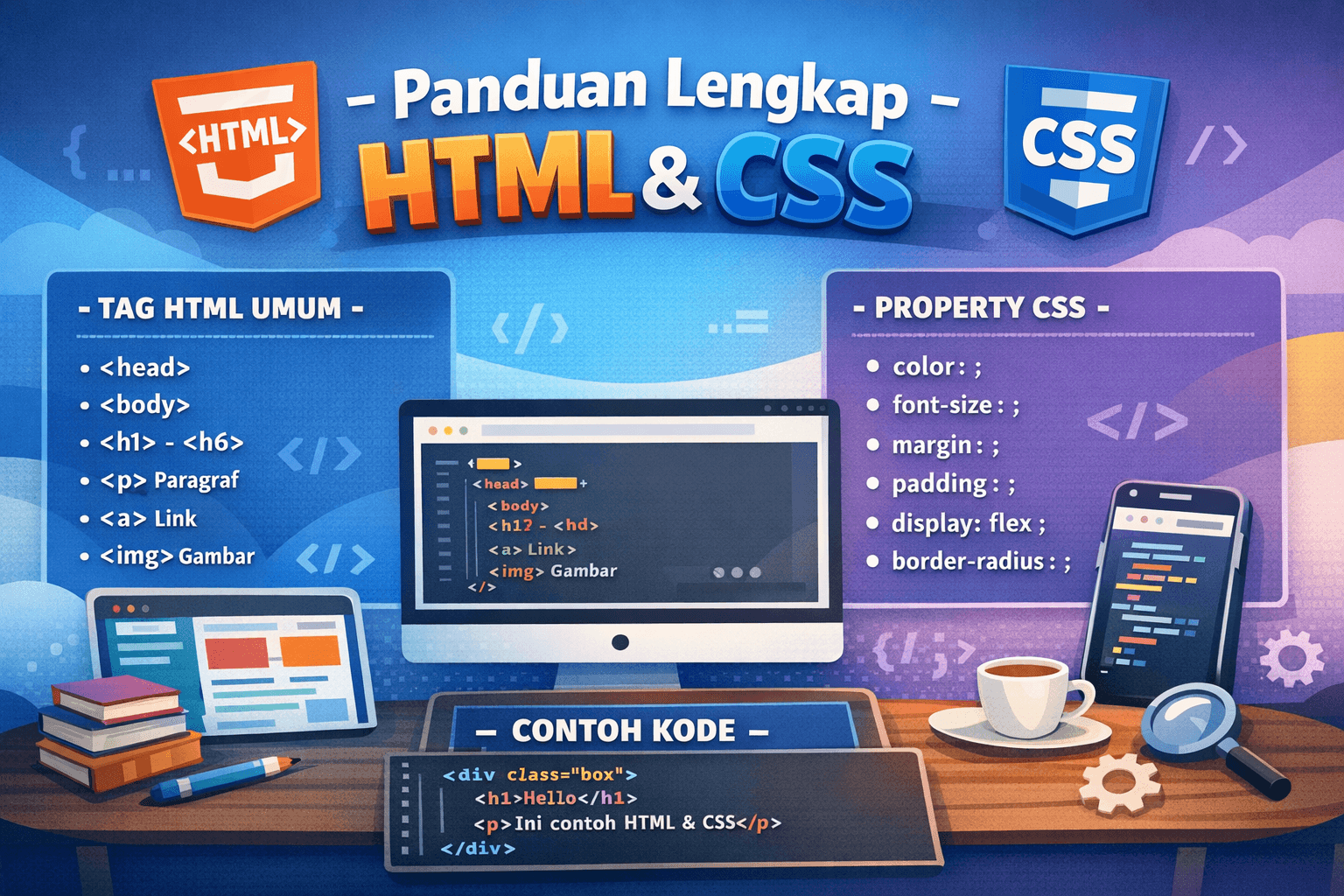
📘 TABEL LENGKAP TAG HTML
| No |
Tag HTML |
Fungsi |
| 1 |
<html> |
Elemen utama dokumen HTML |
| 2 |
<head> |
Informasi dokumen (judul, meta, link CSS) |
| 3 |
<title> |
Judul halaman (tab browser) |
| 4 |
<body> |
Isi utama halaman |
| 5 |
<h1> – <h6> |
Judul (besar ke kecil) |
| 6 |
<p> |
Paragraf |
| 7 |
<br> |
Baris baru |
| 8 |
<hr> |
Garis horizontal |
| 9 |
<a> |
Link |
| 10 |
<img> |
Gambar |
| 11 |
<div> |
Container / pembungkus |
| 12 |
<span> |
Inline container |
| 13 |
<ul> |
List tidak berurutan |
| 14 |
<ol> |
List berurutan |
| 15 |
<li> |
Item list |
| 16 |
<table> |
Tabel |
| 17 |
<tr> |
Baris tabel |
| 18 |
<th> |
Header tabel |
| 19 |
<td> |
Isi tabel |
| 20 |
<form> |
Form input |
| 21 |
<input> |
Input data |
| 22 |
<textarea> |
Input teks panjang |
| 23 |
<button> |
Tombol |
| 24 |
<label> |
Label form |
| 25 |
<select> |
Dropdown |
| 26 |
<option> |
Opsi dropdown |
| 27 |
<header> |
Header halaman |
| 28 |
<nav> |
Navigasi |
| 29 |
<section> |
Bagian konten |
| 30 |
<article> |
Konten artikel |
| 31 |
<footer> |
Footer |
| 32 |
<iframe> |
Menampilkan halaman lain |
| 33 |
<strong> |
Teks tebal (penting) |
| 34 |
<em> |
Teks miring |
| 35 |
<small> |
Teks kecil |
🎨 TABEL LENGKAP CSS PROPERTY
🔹 Text & Font
| Property |
Fungsi |
color |
Warna teks |
font-size |
Ukuran teks |
font-family |
Jenis font |
font-weight |
Ketebalan font |
text-align |
Rata teks |
text-decoration |
Garis teks |
line-height |
Jarak baris |
🔹 Background
| Property |
Fungsi |
background-color |
Warna latar |
background-image |
Gambar latar |
background-size |
Ukuran background |
background-repeat |
Pengulangan |
background-position |
Posisi |
🔹 Box Model
| Property |
Fungsi |
width |
Lebar |
height |
Tinggi |
padding |
Jarak dalam |
margin |
Jarak luar |
border |
Garis tepi |
box-sizing |
Perhitungan ukuran |
🔹 Layout
| Property |
Fungsi |
display |
Tipe tampilan |
position |
Posisi elemen |
top / right / bottom / left |
Koordinat |
float |
Mengapung |
clear |
Membersihkan float |
overflow |
Konten berlebih |
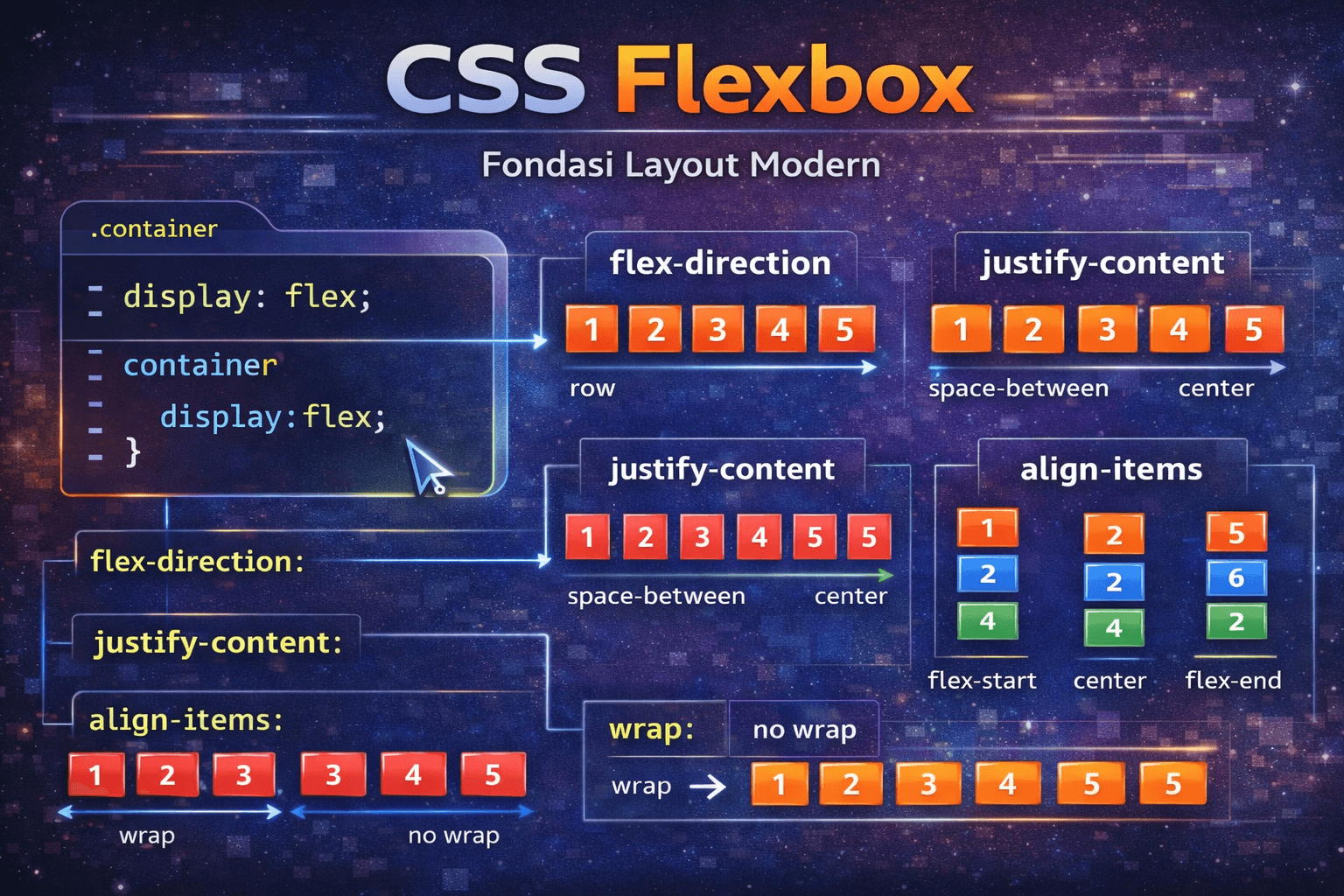
🔹 Flexbox
| Property |
Fungsi |
display: flex |
Aktifkan flex |
flex-direction |
Arah |
justify-content |
Rata horizontal |
align-items |
Rata vertikal |
gap |
Jarak antar item |
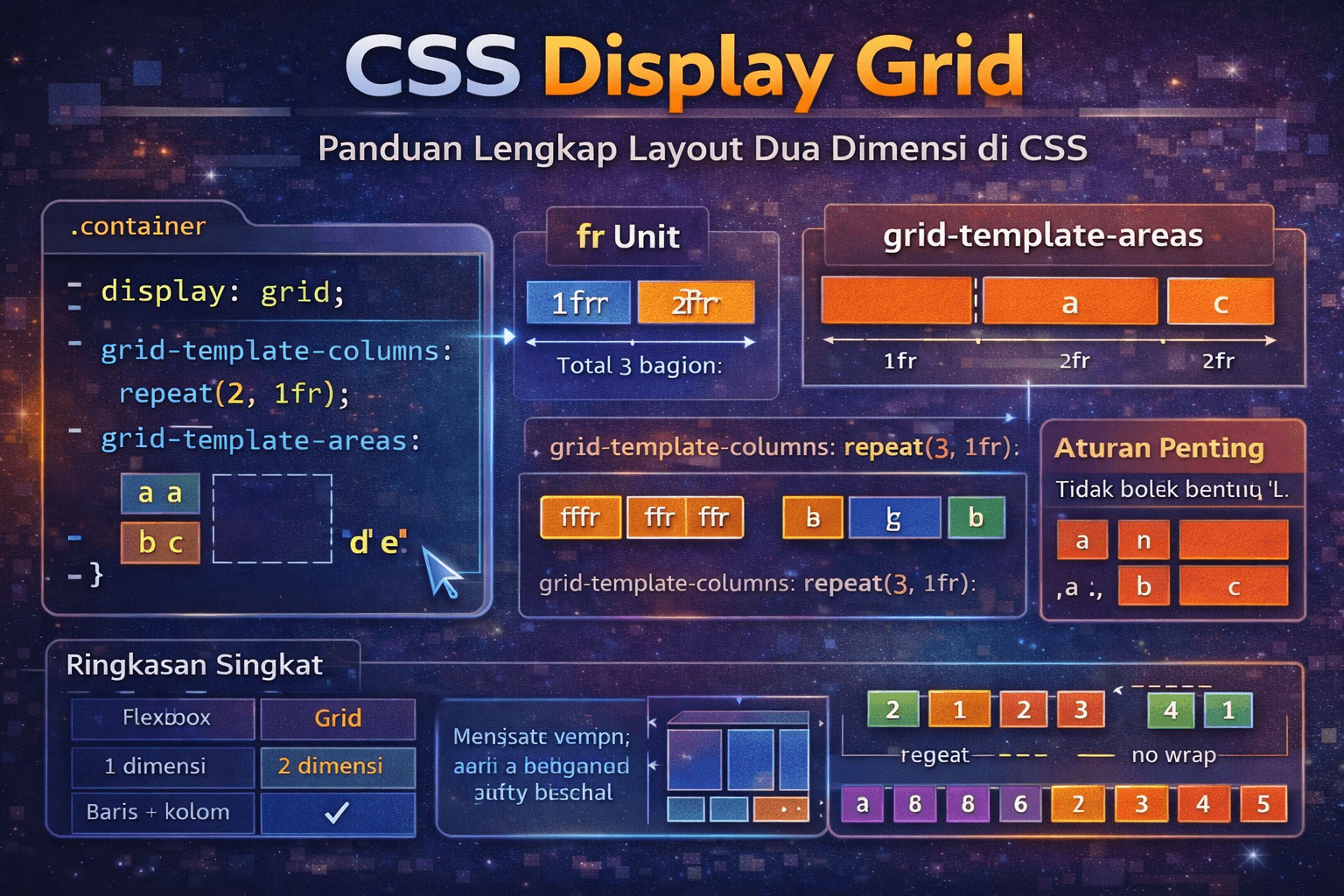
🔹 Grid
| Property |
Fungsi |
display: grid |
Aktifkan grid |
grid-template-columns |
Kolom |
grid-template-rows |
Baris |
gap |
Jarak |
🔹 Efek & Animasi
| Property |
Fungsi |
border-radius |
Sudut melengkung |
box-shadow |
Bayangan |
opacity |
Transparansi |
transition |
Efek perubahan |
transform |
Rotasi / geser |
animation |
Animasi |
🧩 CONTOH HTML + CSS SEDERHANA
<!DOCTYPE html>
<html>
<head>
  <title>Belajar HTML CSS</title>
  <style>
    body {
      font-family: Arial;
      background-color: #f4f4f4;
    }
    .box {
      background: white;
      padding: 20px;
      border-radius: 10px;
      width: 300px;
    }
  </style>
</head>
<body>

  <div class="box">
    <h1>Hello</h1>
    <p>Ini contoh HTML dan CSS</p>
  </div>

</body>
</html>